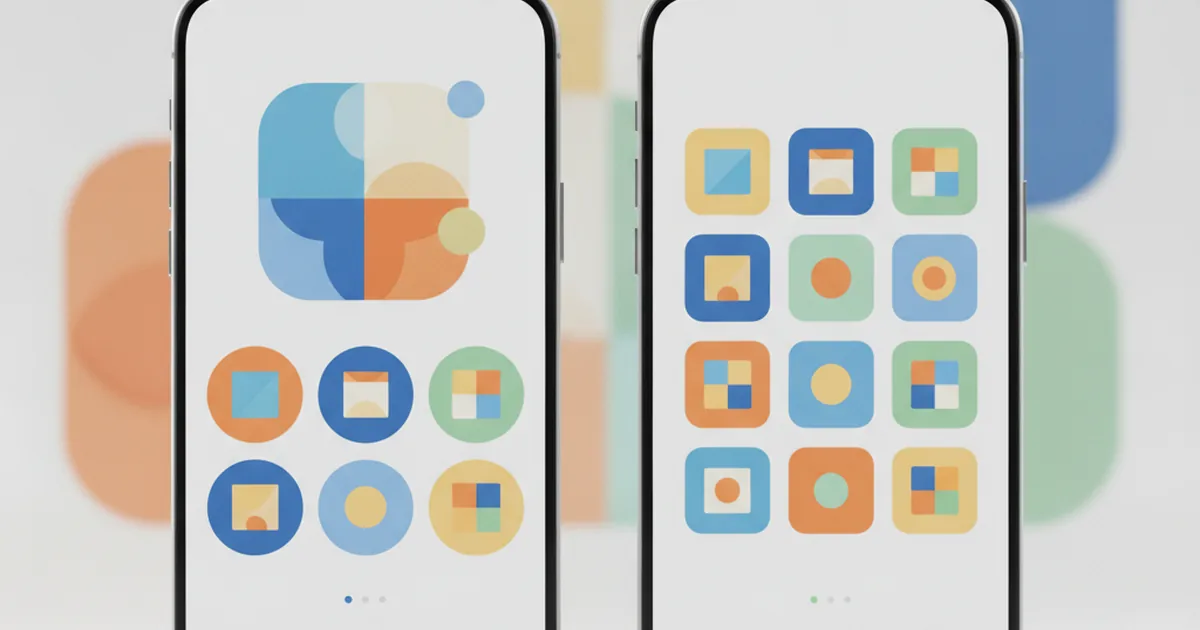
Why the Same Investing App Looks Identical on Your Phone and on the Web
Open a finance app on a friend's phone, then open the same service in a browser on your laptop, and it looks and behaves almost exactly the same — same layout, same buttons, same data. That's not two teams coincidentally building two matching apps. More often than not, it's literally the same code. Here's how that's possible, and why it matters more than you'd think for the apps you actually use.

TL;DR: One and the same piece of code can turn into an iPhone app, an Android app and a website — this is called cross-platform development. Instead of three separate teams writing three separate versions of an app, one team writes one codebase on a framework like Flutter or React Native, and it's compiled into a version for each platform. That's faster, cheaper, and it keeps features in sync everywhere at once.
What "cross-platform" actually means
Every app you use has to end up running on wildly different hardware and software: an iPhone running Apple's iOS, an Android phone running Google's operating system, and a web browser, which isn't even really "an operating system" in the same sense at all. Traditionally, that meant writing the app three separate times, once in each platform's own programming language. Cross-platform development is the alternative: write the logic once, and let tooling turn it into working versions for each destination.
One codebase, many devices
Think of a codebase as the single master recipe for how an app looks and behaves — its screens, its buttons, what happens when you tap something, how it talks to a server. In a cross-platform build, that recipe is written exactly once. A build process then takes that one recipe and produces an iPhone app, an Android app, and often a website, all from the same source. Change a button's colour or fix a bug in that one place, and the fix is ready to go out to every version at once.
The old way — three separate teams, three separate apps
Before cross-platform tools matured, the usual approach was to hire (or train) a separate team for each platform: an iOS team writing in Apple's language, an Android team writing in Google's, and a web team writing something else again. Each team had its own codebase, its own bugs, and its own release schedule. A new feature could ship on iPhone weeks before it reached Android, simply because the two teams were working at different speeds on completely separate code. That's expensive to staff and genuinely hard to keep in sync.
How one piece of code becomes an iPhone app, an Android app, and a website
The "magic" isn't really magic — it's a translation layer sitting between the code a developer writes and the platform it ends up running on.
The framework in the middle
A cross-platform framework is the tool that does that translation. Flutter is Google's SDK for building apps from a single codebase, using a language called Dart, and React Native (originally built by Meta) is the other widely used option; Kotlin Multiplatform is a newer choice that leans more on sharing logic than the full interface. Without going deep into the technical differences between them, the shared idea is the same: a developer writes the app's logic and screens once, and the framework compiles that into something each platform understands natively, rather than running a slow copy of a website inside an app shell.
What gets translated automatically — buttons, screens, native features
The framework doesn't just stretch one design to fit different screens. It maps the app's buttons, lists and navigation onto each platform's own building blocks, and it also bridges through to things that are specific to the device itself — the camera, push notifications, fingerprint or face unlock, the phone's storage. A well-built cross-platform app can use all of those just as a fully native app would; the framework is simply handling the plumbing that connects the shared code to whatever hardware or system feature it needs.
Why this matters for the apps you actually use
This isn't just a developer's convenience — it changes what you experience as the person using the app.
Features arrive everywhere at once
Because there's one codebase instead of three, a bug fix or a new feature typically ships to iPhone, Android and the web on the same day, rather than trickling out to each platform weeks apart. If you've ever noticed an app update a feature on your phone before your friend's tablet caught up, that's usually a sign of separate codebases still being kept in step manually — something cross-platform teams are specifically trying to avoid.
Why a finance or education app benefits especially
For an app that handles real decisions or real data — a banking app, a trading platform, an education tool tracking your progress — consistency isn't just nice to have, it's part of trust. If the number on your phone doesn't match the number on your laptop because the two versions were built separately and drifted apart, that's not a cosmetic bug; it undermines confidence in the whole product. It's the same underlying idea behind why some apps show you live prices and others don't — what you see on screen depends entirely on how carefully the engineering behind it was done. Keeping one shared codebase in sync across devices is one of the more practical ways a fintech or edtech team protects that trust, alongside simply being cheaper and faster to build.
Cross-platform vs native — the honest trade-off
Cross-platform isn't automatically "better" — it's a trade-off, and a reasonable one for most products.
| Cross-platform | Native | |
|---|---|---|
| Codebase | One shared codebase for all platforms | A separate codebase per platform |
| Speed to build | Faster — write once, ship everywhere | Slower — each platform built and tested separately |
| Typical cost | Lower — often close to half the cost of building natively on every platform | Higher — effectively funding multiple teams |
| Feature consistency | Features and fixes land everywhere at once | Can drift out of sync between platforms |
| Best for | Most apps, especially where consistency and speed matter | Apps leaning hard on one platform's most advanced, device-specific features |
So is the app on your phone "really" the same as the one on the web?
In a cross-platform build, yes — genuinely the same underlying code, not just a similar-looking copy. That's the whole point of the approach: one team, one codebase, one set of decisions about how the product should work, expressed consistently everywhere you open it. Pulling that off reliably — getting a shared codebase to feel just as fast and natural on a phone as it does in a browser — is a real engineering discipline, which is exactly the kind of work a cross-platform development team that has actually shipped production Flutter apps specialises in. It's also the kind of consistency Student Investor's own software studio aims for: the team behind this site builds products that need to behave the same way wherever a student opens them, not three disconnected versions pretending to be one app.
FAQ
Is a cross-platform app "worse" than a native one?
Not automatically. For most everyday screens — lists, forms, charts, navigation — a well-built cross-platform app feels just as smooth as a native one. The gap tends to show up only in specialised cases, like very advanced animation or features that plug deep into a single phone's hardware, where a team might still choose to build that one piece natively.
Does Flutter or React Native mean the app is less secure?
No. Security depends on how an app is built and how it handles your data, not on which framework compiled it. Cross-platform frameworks are used by major banking, retail and productivity apps precisely because they can meet the same security standards as a fully native build.
Why do some big companies still build native apps separately?
Usually because they have the budget for three full teams, or because one part of the app leans hard on something very platform-specific, like a camera feature only available on the newest phones. For most companies, especially smaller ones, that trade-off isn't worth it, and cross-platform is the more practical route.
Does Student Investor's own software studio build cross-platform apps?
Student Investor is built by YuSMP Group's software studio, which works on exactly this kind of problem for clients — building products that need to behave consistently across phone, tablet and web rather than as three disconnected builds.
This article is educational and isn't a recommendation of any specific technology, framework or vendor. Framework details (Flutter, React Native, Kotlin Multiplatform) are drawn from each project's own public documentation.
Learn it by playing it
Build a virtual £100,000 portfolio and see how a well-built app keeps your numbers consistent wherever you check them.
See how it works