Why Your Investing App Wants Face ID or a Fingerprint
Tap the icon, glance at your phone or rest your thumb on the sensor, and you're in. It feels like magic, but Face ID and fingerprint unlock are built on specific, well-understood hardware — and they work quite differently from the password they're replacing.
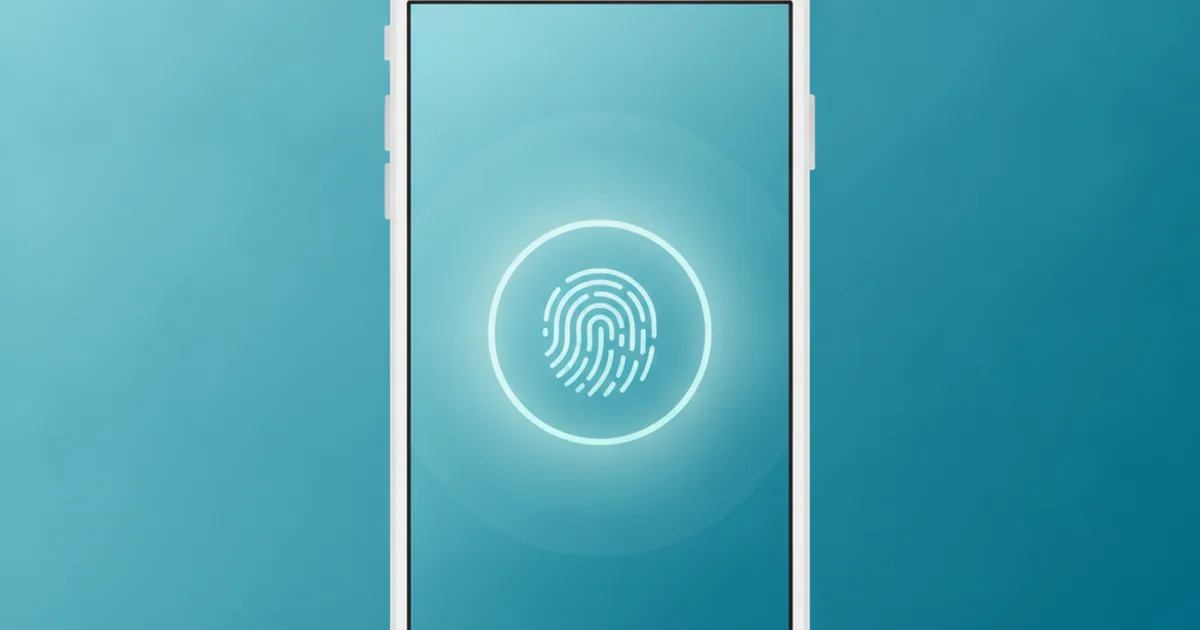
TL;DR: When you unlock an investing app with Face ID or a fingerprint, your phone's hardware checks your face or thumbprint itself and only ever tells the app "yes, it's them" or "no." The app never sees or stores the actual scan. That makes biometric login safer than a password in most everyday situations, because there's nothing typed, copied or stolen that a scammer can reuse.
What's Actually Happening When You Unlock an App With Your Face or Thumb?
It looks instant from the outside: you glance at the screen, the padlock icon flips open, and you're inside your account. But a fair amount of work happens in that half-second, almost none of it inside the app you're using.
The Phone Does the Checking — Not the App
Your face or fingerprint is captured and compared by a dedicated, isolated piece of hardware built into the phone itself — Apple calls its version the Secure Enclave, and Android devices have their own equivalent secure hardware. This chip is deliberately kept separate from the rest of the operating system, so that even if the phone's main software were compromised, the biometric data stored on that chip would still be out of reach.
The investing app itself never performs this comparison. It simply asks the phone's operating system, "can you confirm this is the account owner?" and waits for an answer. The actual matching — is this face close enough to the one stored on the chip, is this fingerprint ridge pattern a match — happens entirely inside that secure hardware.
What Gets Sent to the App (and What Never Leaves Your Phone)
Once the check is done, the secure hardware sends back a simple signal: verified, or not verified. That's it. The app receives a yes/no answer and, in most implementations, a cryptographic token it can use to prove the check happened — but it never receives an image of your face, a scan of your fingerprint, or anything resembling the raw biometric data itself.
This is the single most important thing to understand about how Face ID and fingerprint login work: the data that makes you you never travels to the app, to the company's servers, or anywhere over the internet at all. It stays on the one physical device where it was captured.
Is Face ID the Same Thing as Touch ID or Android's Fingerprint Unlock?
Not quite, even though all three get grouped together under "biometric login." Each uses different hardware to solve the same basic problem.
Face ID vs Touch ID vs Android Fingerprint — What's Different
Face ID, found on newer iPhones, uses a front-facing camera system that projects thousands of invisible infrared dots onto your face to build a depth map — essentially a 3D shape, not just a flat photo. That's why it's much harder to fool with a printed picture than a simple 2D face-matching system would be.
Touch ID, Apple's older fingerprint reader, and the fingerprint sensors built into most Android phones work on a different principle entirely: they read the physical ridge pattern on your thumb or finger, either through a capacitive sensor under the screen or a small dedicated button. In that sense, Touch ID has more in common with Android's fingerprint unlock than with Face ID, even though Apple built both of its own options.
Android devices that support biometric login route the request through a system called BiometricPrompt, which lets an app ask the phone to verify the user without the app ever handling the fingerprint sensor directly — the same separation of duties you get with Face ID on iPhone.
Does Using Face ID Mean the App Can See My Actual Face?
This is probably the single most common worry, and the honest answer is no — not your investing app, not the company behind it, and not anyone who might eventually see their servers. The depth map Face ID builds of your face is encrypted and stored only on the Secure Enclave of your specific phone. It's never uploaded anywhere, never backed up to a cloud account, and never shared with any app, including the one you're using to check your portfolio.
What the app actually stores, if it uses Face ID or fingerprint login at all, is usually just a flag saying "this device is allowed to log in without a password" plus a cryptographic key pair generated specifically for that purpose. If you delete the app and reinstall it, that flag resets, and you'll need to log back in with your password once before biometric login works again — a good sign that no copy of your biometric data was ever sitting on the company's side in the first place.
Does Biometric Login Replace My Password Completely?
No, and this surprises a lot of people. Face ID and fingerprint unlock sit on top of a passcode or password, rather than replacing it outright. Your phone (and most apps that use biometric login) still keep a traditional password stored as a fallback, and there are specific situations where you'll be asked for it instead.
What Happens if Face ID Fails or Your Phone Is Restarted
If your face doesn't match well enough — too dark, wearing a mask, holding the phone at an odd angle — or if your thumb is wet or dirty, the system quietly falls back to asking for your passcode after a couple of failed attempts. The same thing happens any time you restart your phone: biometric unlock is disabled until you've entered your passcode once, because the secure hardware needs that first manual unlock before it will trust face or fingerprint checks again.
That's a deliberate safety design, not a bug. It means biometric login can never become the only way into your account; there's always a password-based route available, even if it's used less often day to day.
Why Is This Safer Than Typing a Password?
A password is only as safe as the places it's been typed, saved, or written down. A biometric login, checked entirely inside your own phone's hardware, removes most of those weak points.
| Face ID / fingerprint login | Typed password | |
|---|---|---|
| Where the check happens | Locally, inside secure phone hardware | Sent to the app's or bank's servers to be checked |
| Can it be phished? | No — nothing is typed into a fake page | Yes — a convincing fake login screen can capture it |
| Can someone watch and copy it? | Very hard — no keystrokes to observe | Yes — shoulder-surfing or a hidden camera can catch it |
| Speed to log in | Under a second | Several seconds to type correctly |
None of this means passwords are pointless — they're still the essential fallback, and a weak, reused password is still a real risk on its own. But for the everyday act of opening an app you already trust on a device you already own, biometric login closes off several of the most common ways accounts actually get broken into.
Why Building This Well Is Harder Than It Looks
From the outside, adding "Unlock with Face ID" to an app can look like flipping a single switch. In practice, it means correctly wiring up Apple's Secure Enclave APIs, handling every fallback case — failed scans, disabled permissions, a user who's never set up Face ID at all — and making sure none of that logic accidentally weakens the app's actual security instead of strengthening it. Get the fallback handling wrong and you can lock genuine users out of their own accounts; get the permission handling wrong and you can create a false sense of security that isn't actually backed by the hardware doing its job properly.
That's exactly the kind of detail-heavy, platform-specific work that app studios hand to a team that's actually shipped production iOS apps with Face ID and biometric security, rather than treating it as a quick afternoon add-on. It's a close cousin of the same engineering reality behind why the same app can look and work differently on iPhone and Android: native platform features like Face ID are tied tightly to one operating system's own security hardware, which is also why teams building a single app that works everywhere have to be especially careful about how they wire a feature like biometric login into a shared codebase without weakening it on either platform.
Quick FAQ
Does an app actually see my face or fingerprint when I use Face ID?
No. The scan happens inside a secure part of the phone's hardware (Apple calls it the Secure Enclave; Android phones have an equivalent). The app only ever receives a yes/no "this person is verified" signal, never the image of your face or your fingerprint data itself.
Is Face ID the same technology as Android's fingerprint unlock?
No. They solve the same problem — proving it's really you — using different hardware. Face ID uses a front-facing depth-sensing camera system, while Android fingerprint unlock reads the ridge pattern of your thumbprint through a dedicated sensor. Touch ID, Apple's older fingerprint option, is actually closer to the Android approach than it is to Face ID.
Does biometric login mean I don't need a password anymore?
Not quite. Your phone still keeps a passcode or password as a fallback for when biometrics fail — poor lighting, a wet thumb, a restarted phone. Face ID and fingerprint unlock sit on top of that passcode; they don't remove it.
Why is biometric login considered safer than typing a password?
Mainly because there's nothing to type, copy, phish or guess. A password can be stolen through a fake login page or a keylogger; a face or fingerprint scan is checked locally on your device and never travels anywhere to be intercepted.
This article is educational and is not financial advice. It does not promote or recommend any specific broker, app or company.
Learn it by playing it
Build a virtual £100,000 portfolio and track your ranking securely on any phone — the Challenge works the same on iOS and Android.
See how it works