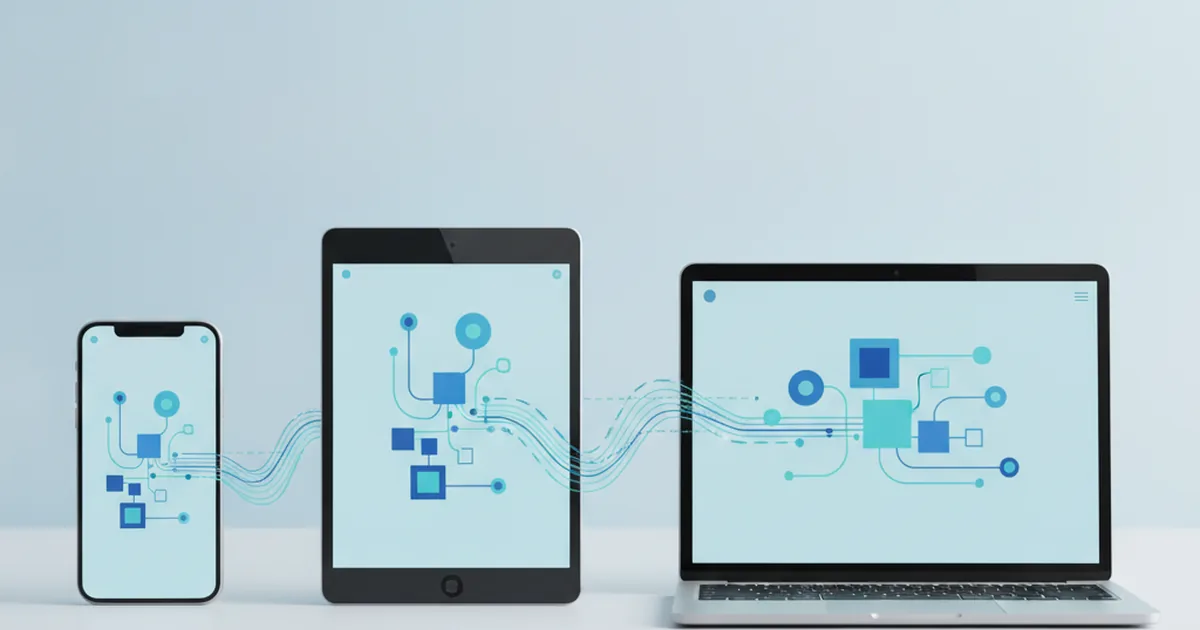
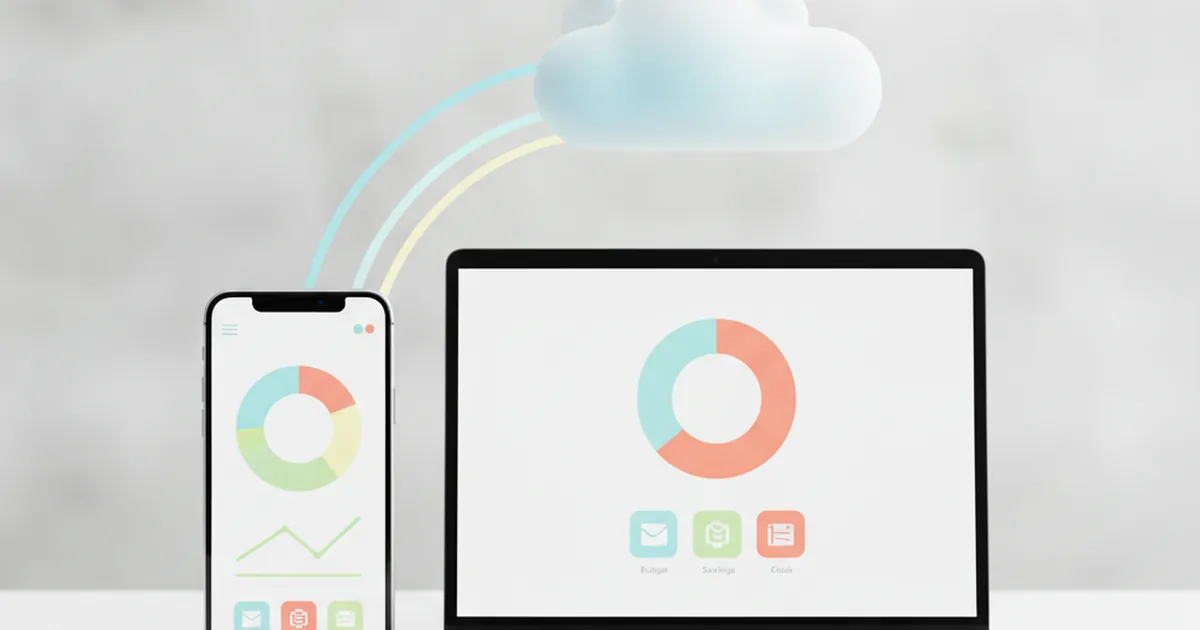
Why Some Apps Don't Need Downloading
Open one link on your phone and a tool just works, no App Store in sight. Open another and you're told to install something first. The difference isn't an accident — it's a decision a development team made before writing a single line of code.
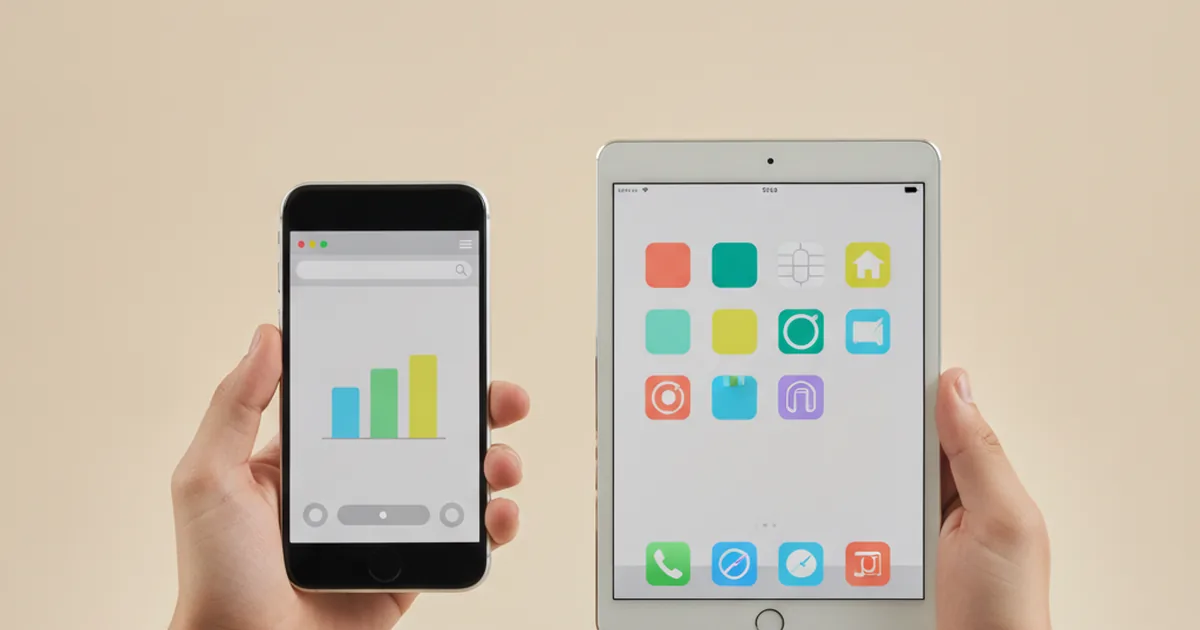
TL;DR: Some apps — including the Student Investor site itself — just open in your browser, with nothing to download. Others, like many banking and trading apps, have to be installed first. The difference comes down to three build types: web apps, native apps, and hybrid apps — each with different trade-offs in speed, offline access, and how they reach your phone's features.
You've probably noticed it without really thinking about it. A friend sends you a link, you tap it, and whatever it is just opens — a game, a quiz, a tool for the Challenge. No App Store, no "Install" button, no waiting for a progress bar. Then another app insists you go and download it first, find it in a store, wait for it to finish, and only then can you actually use it.
That split isn't random, and it isn't about which app is "better." It's an engineering choice, made early, about how the app gets built and delivered to your phone. Getting it right matters enough that building something like this properly usually means working with a web development team that understands the trade-offs between a fast, install-free browser app and a native one from day one, rather than bolting the decision on afterwards.
What is a web app?
A web app is software that runs inside your browser, loaded from the internet each time you open it, rather than living as a separate program stored on your device. There's no install step because there's nothing to install — the app's code lives on a server, and your browser fetches and runs it the moment you visit the address.
Student Investor itself works exactly this way. Whether you're checking your team's position on the league table or reading up on the rules at rules-portfolio, you're using a web app. Open the link on a school Chromebook, a personal phone, or a shared family laptop, and it behaves the same way every time, because it isn't tied to one device's operating system.
What is a native app?
A native app is software built specifically for one platform — iOS or Android — and installed directly onto your phone's storage from the App Store or Play Store. It sits as its own icon on your home screen, runs independently once downloaded, and is written using tools designed for that particular operating system.
A typical banking app is a good example. You find it in a store, download it, wait for it to install, and from then on it opens as its own program rather than inside a browser tab. That installation step is the clearest giveaway that you're dealing with a native app rather than a web app.
What is a hybrid app?
A hybrid app sits in between the two. It's installed from an app store and gets its own home-screen icon, like a native app, but much of what runs inside it is actually built with web technology, wrapped inside a thin native shell. From the outside it looks installed and native; underneath, parts of it behave more like a web page.
Teams choose this route when they want one shared codebase that still shows up as a proper installed app on both iOS and Android, rather than building two separate native versions from scratch. If you're curious how a single codebase can end up looking identical across completely different devices, see our piece on how one app works everywhere — it covers the cross-platform side of this same question.
Why would a team choose a web app instead of a native app?
Building a web app isn't a shortcut or a cheaper version of "doing it properly" — for plenty of products, it's the better engineering choice. A few reasons tend to come up again and again.
Speed to launch and update
A web app can be built, tested and shipped without going through a separate app store review process at all. When something needs fixing, the team updates the code on the server and every single visitor gets the new version the next time they load the page — nobody is left running an old copy because they forgot to tap "update."
No app-store approval to wait for
Native apps go through a review queue before every release, which can take anywhere from hours to days and sometimes gets rejected and sent back. A web app skips that step entirely, which matters a lot when a team needs to fix a bug or add a feature quickly.
Works the same on any phone or laptop
A web app only has to work in a browser, so the same version reaches an iPhone, an Android phone, a school Chromebook and a family laptop without separate builds for each one. That's one reason a browser-based tool is so well suited to a mixed audience of students using whatever device they happen to have in front of them.
What native apps can do that web apps usually can't
None of this means web apps win every time. Native apps earn their install step by doing things a browser tab genuinely can't do as well.
Offline access
A native app can store data directly on your phone and keep working with no internet connection at all, because its code and information already live on the device. A typical web app needs at least an occasional connection to fetch fresh data from its server.
Push notifications and deeper phone integration
Native apps get reliable, consistent access to things like push notifications, camera hardware and background location, because they're built using tools designed specifically for that phone's operating system. Browser-based equivalents exist for some of this, but support is patchier and varies between devices.
How can you tell which one you're using?
You don't need to read any code to work this out — three quick signs on your own screen usually settle it.
- Check your home screen. If there's no separate icon for it and you only ever reach it through a bookmark or a link, it's almost certainly a web app.
- Look at the top of the screen. A visible address bar, like "studentinvestor.org", or Safari/Chrome's own navigation controls, means you're inside a browser tab running a web app — a native app hides all of that.
- Watch what happens when you first visit. If the site offers to "Add to Home Screen" rather than "Install" from a store, that's a web app offering a shortcut, not a real installation.
Which one is right for a project like Student Investor?
There's no single correct answer — the right choice depends on what the product actually needs to do. For a tool used across hundreds of different school devices, reached mostly through shared links rather than repeated daily habit, the trade-offs tend to favour a web app.
| Type | Best for |
|---|---|
| Web app | Fast launch, instant updates, identical behaviour across phones, tablets and school laptops with no install step |
| Native app | Offline access, reliable push notifications, and deep use of a single phone's hardware |
| Hybrid app | Wanting a proper store listing and home-screen icon while still sharing one codebase across iOS and Android |
That's exactly why Student Investor is built as a web app: students and teachers reach it from whatever device is nearest — a shared classroom laptop one day, a personal phone the next — and it needs to work identically on all of them without anyone first finding it in a store. The same reasoning that shapes a classroom finance tool applies well beyond education, too; it's the same set of trade-offs any software-as-a-service product has to weigh before deciding how it reaches its users.
Frequently asked questions
Do I need to download anything to use Student Investor?
No. Student Investor is a web app, so it opens straight in your phone, tablet or laptop browser the moment you tap the link. There's nothing to install and nothing taking up storage on your device.
Why do some trading apps need installing but others don't?
It comes down to how the app was built and what it needs from your phone. A team builds a native app when it needs deep access to phone features like push alerts or offline storage, and a web app when speed, easy updates and working identically on any device matter more.
Is a web app less safe than a native app?
Not inherently. A well-built web app runs over the same secure connection (HTTPS) as online banking, and because there's nothing installed, there's no outdated app version sitting on your phone with old security patches. Safety depends on how carefully the app was built, not on whether you downloaded it.
Can a web app send me notifications?
Some can, through a browser feature called push notifications, though support varies between phones and browsers and is usually less reliable than a native app's. That's one of the genuine trade-offs a team weighs up before choosing to build a web app in the first place.
If my school blocks app downloads, can we still take part?
Yes. Because Student Investor runs entirely in the browser, school device restrictions that block the App Store or Play Store don't stop you from using it. If the school network allows you to visit a website, you can take part.
For a deeper dive into how a browser-based standard called a Progressive Web App bridges some of this gap, the web.dev guide to Progressive Web Apps is a solid technical starting point.
This article is educational and is not financial or technical advice about any specific product.
Ready to see it in action?
No download, no sign-up friction — just open the link and start running your virtual £100,000 portfolio.
See how it works